Summary
- 3D visualisation, rendering, and animation are distinct tools — each supports a different stage of the project communication process.
- Rendering produces realistic still images; animation adds movement to show how a space is experienced.
- Together, these tools support design approvals, client presentations, marketing, and pre-construction reviews.
- Choosing the right approach depends on your project stage — concept, presentation, or launch.
- Multiply Studio’s 3D visualisation services translate design intent into visuals that stakeholders can act on.
Whether a project is still in early concept or moving toward approval, clear visuals often determine how ideas are received. Stakeholders rarely respond to technical drawings the way they respond to a rendered image or a walkthrough — and that gap in understanding can slow decisions down.
3D visualisation services help close that gap. Across architecture, interior design, property development, and marketing, rendering and animation translate design intent into something that can be evaluated, discussed, and approved.
Understanding 3D Visualisation, Rendering and Animation
3D visual tools are frequently used together, but each has a distinct role. Understanding the difference helps teams choose the right tool at the right stage.
Difference Between 3D Visualisation, Rendering & Animation
Although these terms are related, each one focuses on a different part of the visual process.
Term | Meaning | Output |
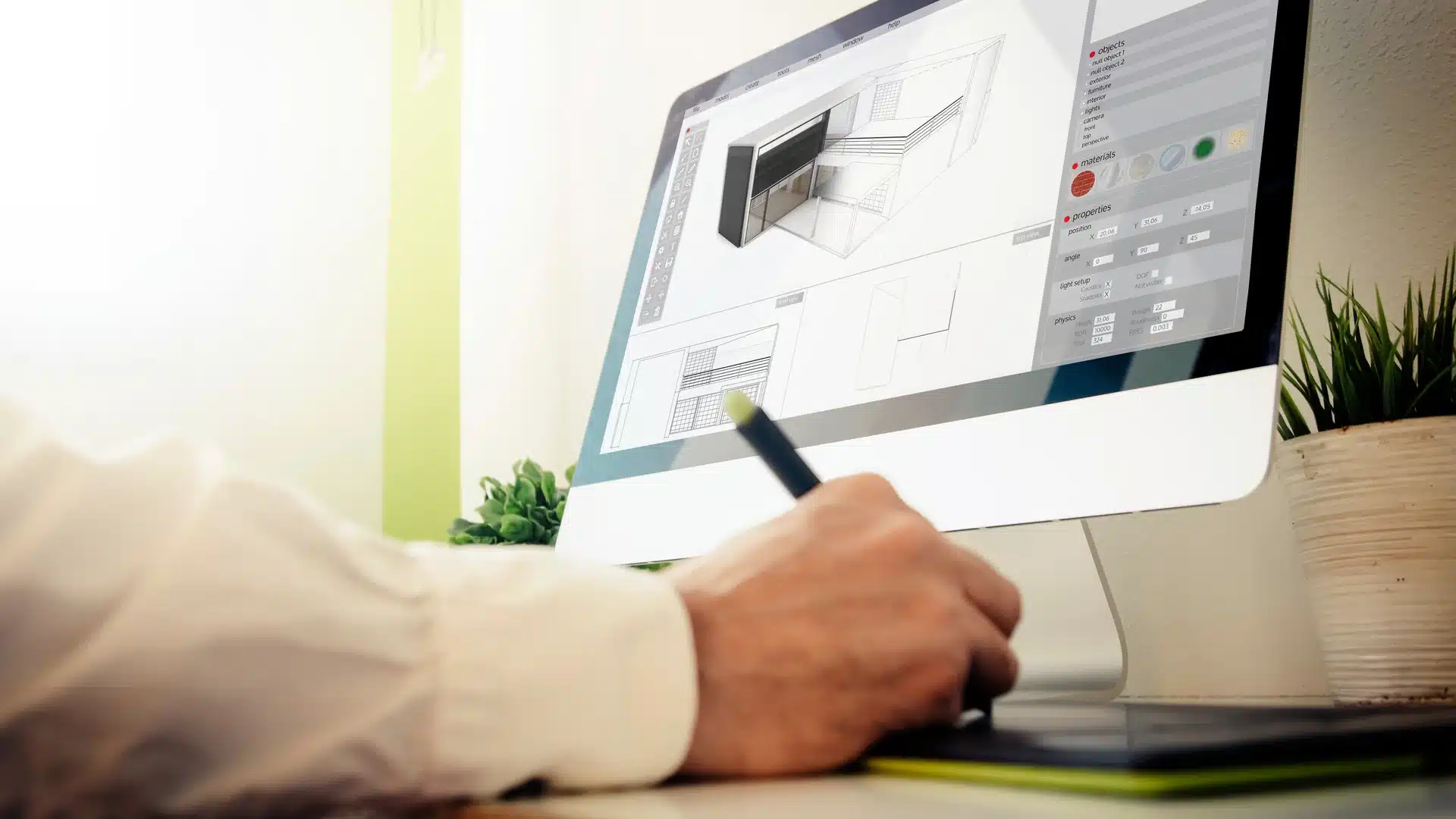
3D Visualisation | Creating a digital model of a space or object | Base 3D model |
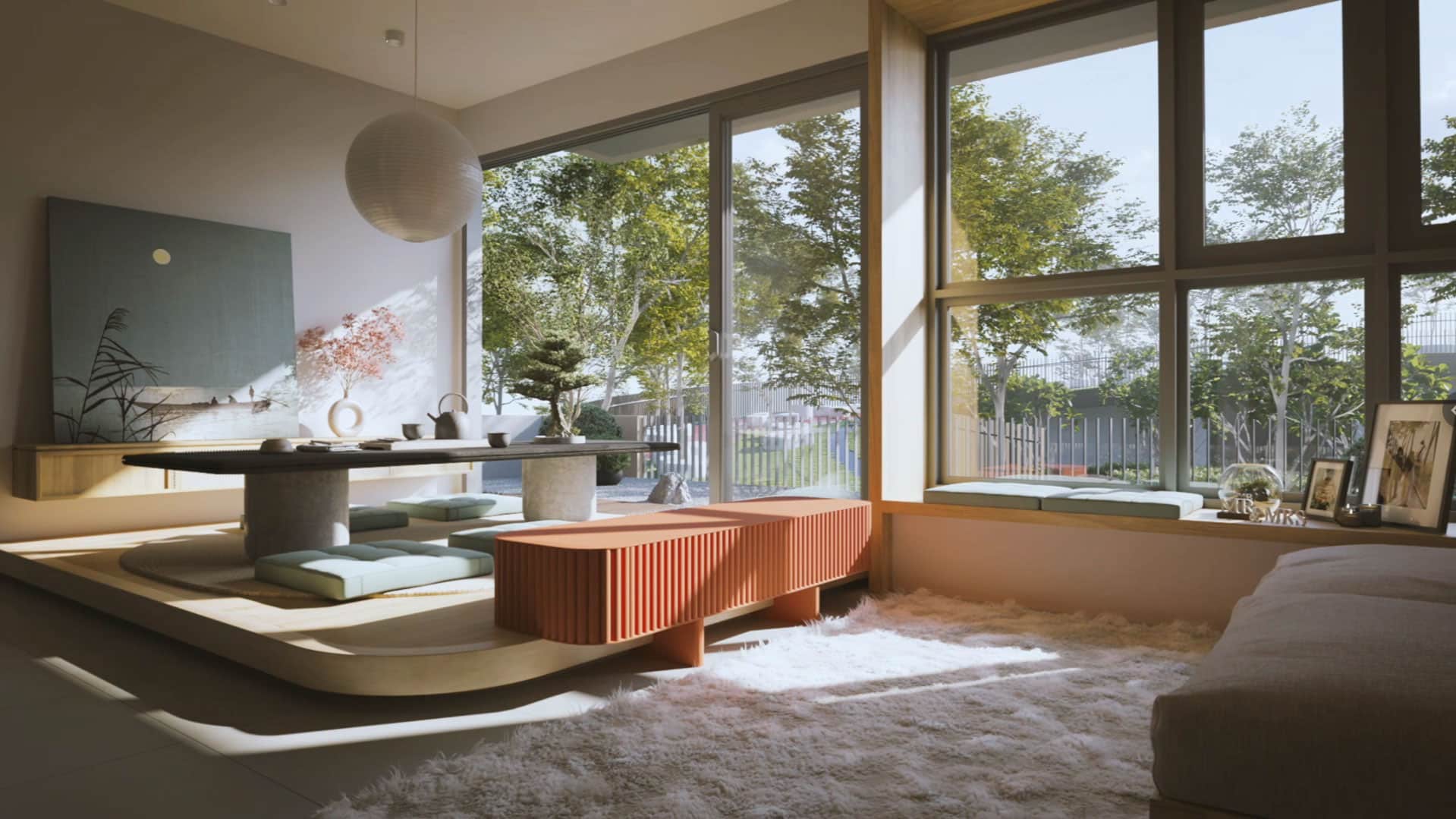
3D Rendering | Converting the model into realistic images | Still images |
3D Animation | Adding movement to show flow and spatial experience | Video walkthrough |
These 3 elements typically work together to build complete, presentation-ready project visuals.
Benefits of 3D Rendering and 3D Visualisation Services
The value of 3D visual tools is practical: they reduce ambiguity and make project conversations more direct.
These services help teams by:
- Showing realistic material, lighting, and spatial detail
- Communicating layout and scale clearly to non-technical stakeholders
- Generating more specific client feedback during review stages
- Reducing miscommunication between designers, clients, and contractors
- Strengthening the quality of approval and investor presentations.
3D Visualisation vs Rendering vs Animation
Each visual method suits a different project goal. Some prioritise structural clarity; others focus on experience and engagement.
The Key Distinctions: 3D Visualisation vs Rendering
3D visualisation and rendering are closely linked — they both are needed to move from concept to presentation-ready visuals.
Aspect | 3D Visualisation | 3D Rendering |
Purpose | Build the digital structure | Produce the final visual output |
Stage | Early design | Presentation |
Detail Level | Core structure and layout | High-detail, realistic imagery |
Both are essential for moving a project from concept to presentation stage.
Explore expert 3D rendering and visualisation services to see how both elements are applied across project types.
3D Animation Techniques and Rendering in 3D Animation
3D animation builds on rendering by adding motion and timing — showing how a space feels when experienced rather than simply viewed.
Common techniques include:
- Camera walkthroughs that guide the viewer through a space
- Lighting shifts to demonstrate different times of day
- Material transitions for side-by-side design comparisons
- Environmental effects such as landscaping, water, or crowd movement
- Scene sequencing to support storytelling in presentations.
Project discussions stall when stakeholders interpret the same design differently.
If design reviews are taking longer than they should, get in touch to explore how visualisation, rendering, and animation can support clearer decisions.
Choosing the Right Approach: 3D Animation vs Visualisation
Different project goals require the right approach to improve communication and presentation impact.
Goal | Best Approach | Why It Works |
Design approval | 3D Rendering | Precise, detailed visuals that are easy to evaluate |
Concept review | 3D Visualisation | Flexible modelling for early-stage exploration |
Client presentation | 3D Animation | Demonstrates movement and real-world experience |
Marketing | Combined approach | High visual engagement across platforms |
Practical Applications for Residential and Commercial Projects
3D visual tools are used across residential and commercial developments to help clients, investors, and decision-makers engage with a project before it is built.
Integrating 3D Services in Marketing, Sales & Client Presentations
Depending on the project stage, teams apply these tools in different ways:
- Property sales launches and promotional campaigns
- Investor presentations for funding rounds or planning approvals
- Design review meetings with clients and consultants
- Digital and print marketing materials
- Leasing presentations for commercial and mixed-use spaces
- Pre-construction approval discussions with planning authorities.
Used together, these tools give teams a complete visual language for every stage of a project’s communication.
Experience Multiply Studio’s 3D Visualisation Services for Maximum Impact
Misaligned visuals slow down approvals and create room for misunderstanding. Professional 3D visualisation services address that directly — giving every stakeholder in the room the same clear picture of what a project will look like and how it will function.
Multiply Studio works with architects, developers, and design teams across residential and commercial projects, delivering 3D visualisation, rendering, and animation that is built around how projects actually need to be communicated.
Contact us today to bring your next project to life with visuals that speak before you do.